Upload Image
Drag and drop a JPEG, PNG, or WebP portrait. Clear lighting gives better edges and detail.
FaceToCartoon is an AI Cartoon Converter (AICC) built for one task. Transform your face with a simple flow: drag and drop, choose a style, convert to cartoon, and download your final image.
or click to browse from your device
Photos are processed locally in your browser when possible.
Use this Face to Cartoon workflow in three direct steps.
Drag and drop a JPEG, PNG, or WebP portrait. Clear lighting gives better edges and detail.
Pick from 15 styles like 3D, anime, comic, and caricature. Our AI applies it to your photo.
Compare before and after, then export high-quality cartoon art for profile and social use.
Face to Cartoon means converting a real portrait into a stylized cartoon image. This browser-based tool helps creators build avatars, social graphics, and visual drafts without manual editing.
Convert your face to cartoon with clear outlines, color smoothing, and quick cartoon face output.
Choose from 15 styles — 3D avatar, anime, comic, caricature, action figure, pixel art, watercolor, and more.
Your photo is processed securely over an encrypted connection and deleted automatically within minutes. We never use it to train AI models.
Download PNG output in seconds and test multiple aspect ratio crops for profile placements.
Explore styles spanning soft anime, 3D animation, classic cartoons, pop art, claymation, pixel art, and bold comic looks — then try them on your own photo.
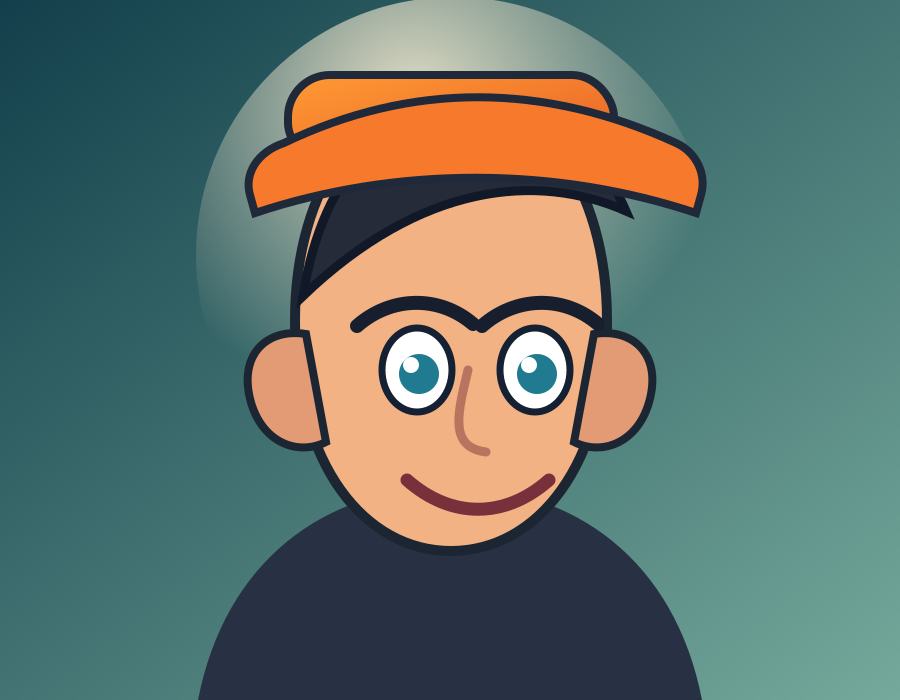
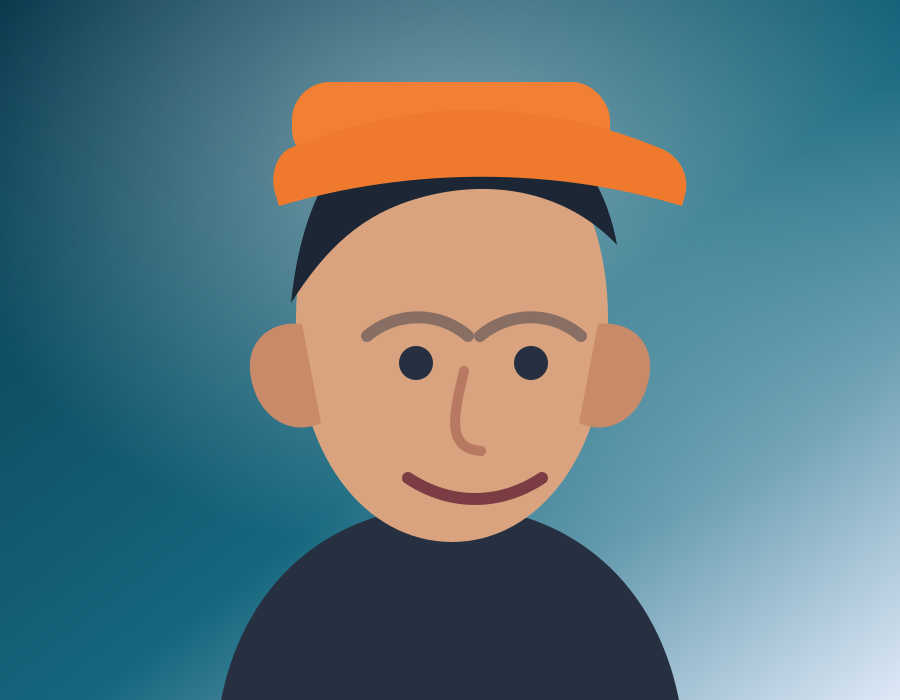
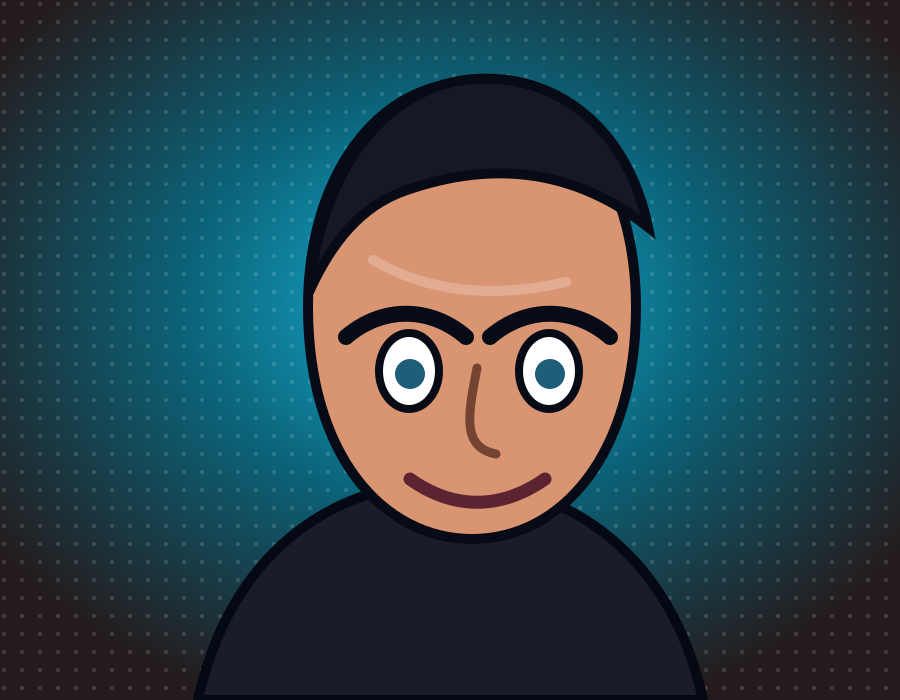
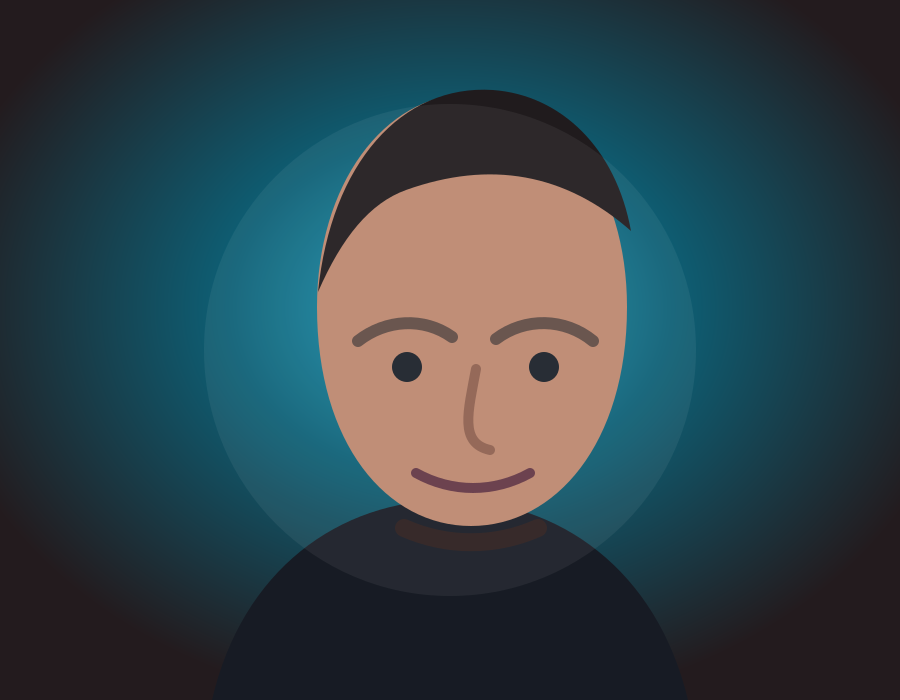
Create a free account and get 1 free credit to try FaceToCartoon — no card required. Upgrade anytime for more credits and HD exports.
1 free credit to start, no card required. Choose a style and export your cartoon in seconds.
Compare style behavior before you choose a preset for your upload.
| Style | Best For | Output Look |
|---|---|---|
| 3D Render | Profile avatars and creator branding | Smooth gradients and bold facial lines |
| Hand-drawn | Editorial graphics and storytelling | Sketch-like strokes with soft color blocks |
| Anime | Social content and fandom visuals | High contrast eyes and stylized shadows |
Clear answers for common Face to Cartoon questions.
FacetoCartoon AI is a browser-based AI cartoon converter that changes portraits into cartoon-style images.
Upload your image, choose a style, preview the result, and click download to save your cartoon output.
You get 1 free credit when you create an account, so you can try it before you buy. For more cartoons, choose a paid plan with monthly credits.
Yes. You can choose anime or 3D style presets and export each version for comparison.
Yes. You can use downloads for social posts and profile images. For commercial purposes, contact support.
Open the Face to Cartoon tool, upload one image, and generate your cartoon face in seconds.