Upload your photo
Drag in a JPG, PNG, or WebP. A clear, well-lit face gives the cleanest edges and the truest skin tones.
or click to browse
Encrypted upload. Your photo is deleted automatically after processing.
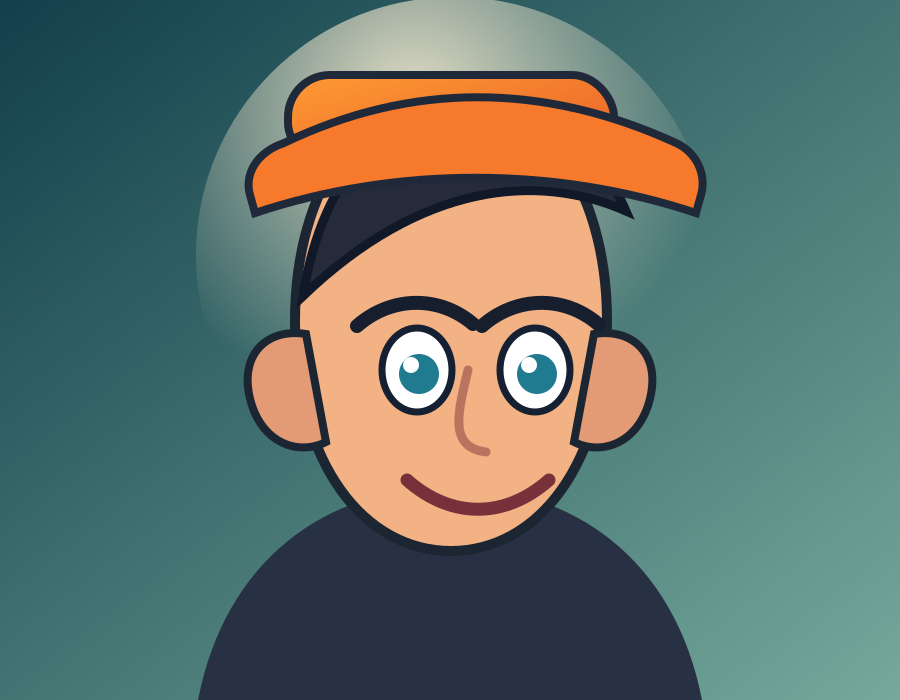
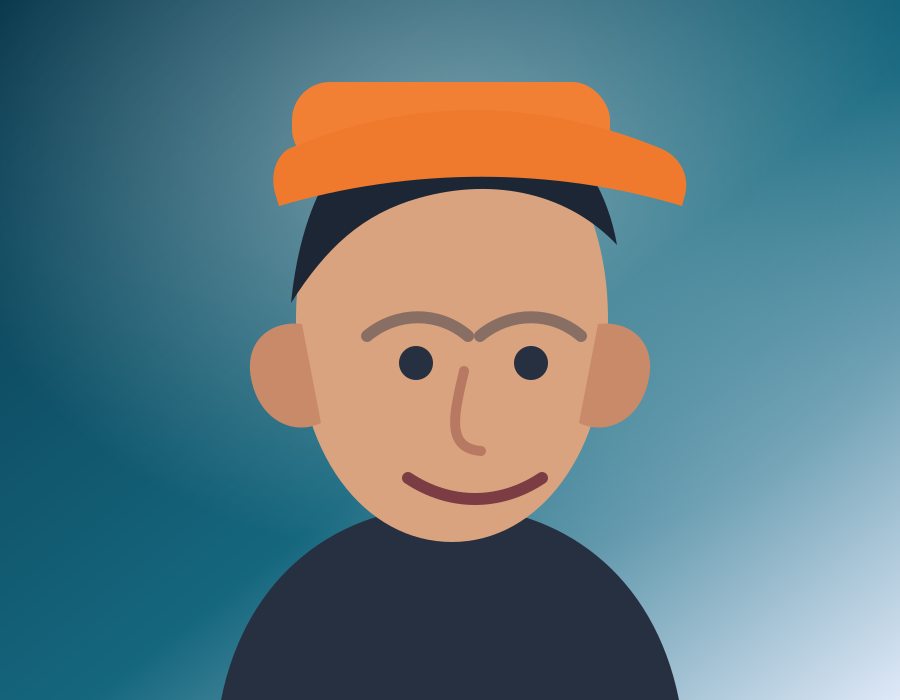
Polished 3D toon portrait with soft lighting and premium depth.
Soft anime, 3D animation, classic cartoon, pop art, claymation, pixel art, heavy comic ink. Drag any slider to pull the original back into view.
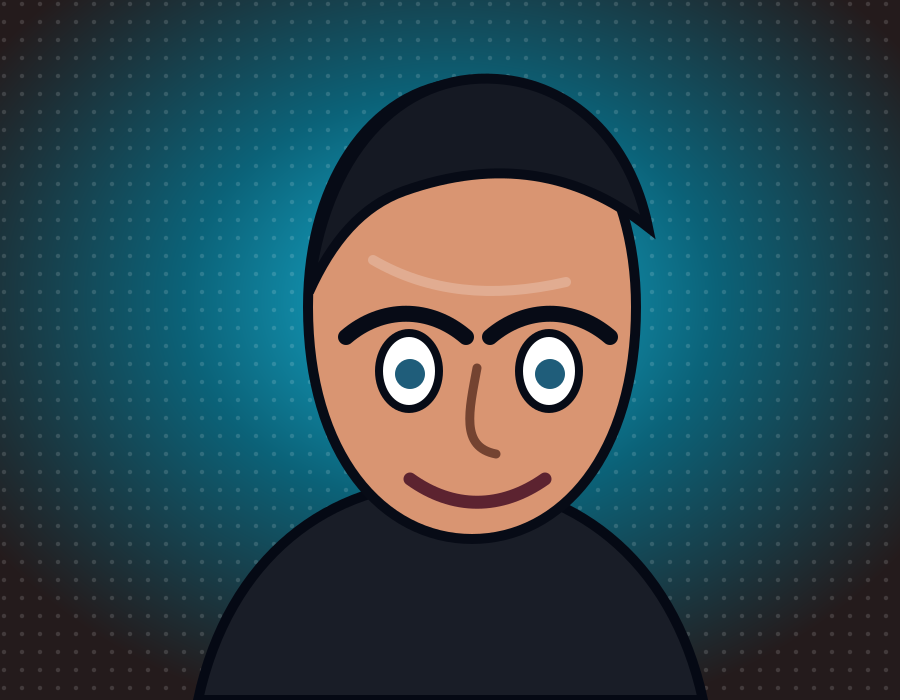
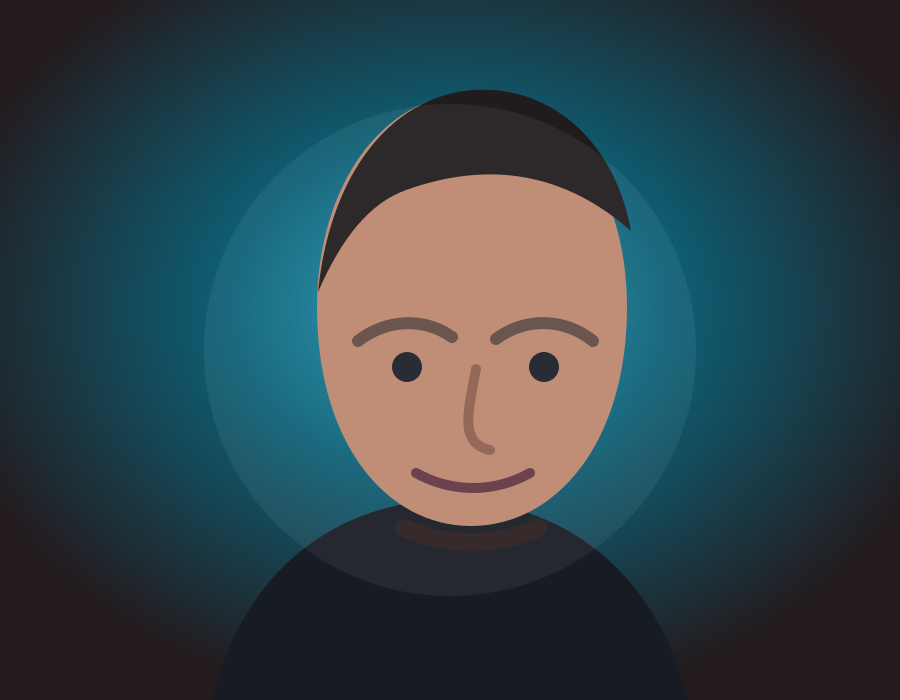
Three steps from photo to finished avatar.
Drag in a JPG, PNG, or WebP. A clear, well-lit face gives the cleanest edges and the truest skin tones.
Fifteen presets, from 3D and anime through to comic, caricature, and pixel art. Each one is tuned for faces rather than general images.
Compare it against the original, pick your crop, and download a PNG sized for wherever it's going.
No layers to manage and no prompts to write. FaceToCartoon does one thing: it turns a portrait into a cartoon you'd actually want on your profile.
The presets restyle outlines, shading, and color around your features instead of replacing them, so your likeness survives the conversion.
3D avatar, anime, comic, caricature, action figure, pixel art, watercolor, and more. Switch presets and run it again.
Encrypted in transit, deleted automatically within minutes, and never used to train a model.
PNG output with crops for every common profile and post ratio, up to 2048px on Pro and Business.
You get one credit when you sign up, no card required. That's enough to run a full conversion and judge the quality for yourself. Paid plans add HD exports and drop the watermark.
No card required. Enough for one full conversion at 1024px, valid for seven days.
Start FreeWhat each preset is good at, so you spend your first credit on the right one.
| Style | Best for | What you get |
|---|---|---|
| 3D Avatar | Profile pictures, stream overlays | Soft volume and clean edges that still read at 64px |
| Anime Soft | Social posts, fandom art | High-contrast eyes and stylized shadow shapes |
| Comic Book | Thumbnails, posters, print | Heavy ink outlines over flat halftone color |
Clear answers for common Face to Cartoon questions.
FacetoCartoon AI is a browser-based AI cartoon converter that changes portraits into cartoon-style images.
Upload your image, choose a style, preview the result, and click download to save your cartoon output.
You get 1 free credit when you create an account, so you can try it before you buy. For more cartoons, choose a paid plan with monthly credits.
Yes. You can choose anime or 3D style presets and export each version for comparison.
Yes. You can use downloads for social posts and profile images. For commercial purposes, contact support.
One credit on signup, no card required. Upload a picture, choose a style, and see the quality for yourself.